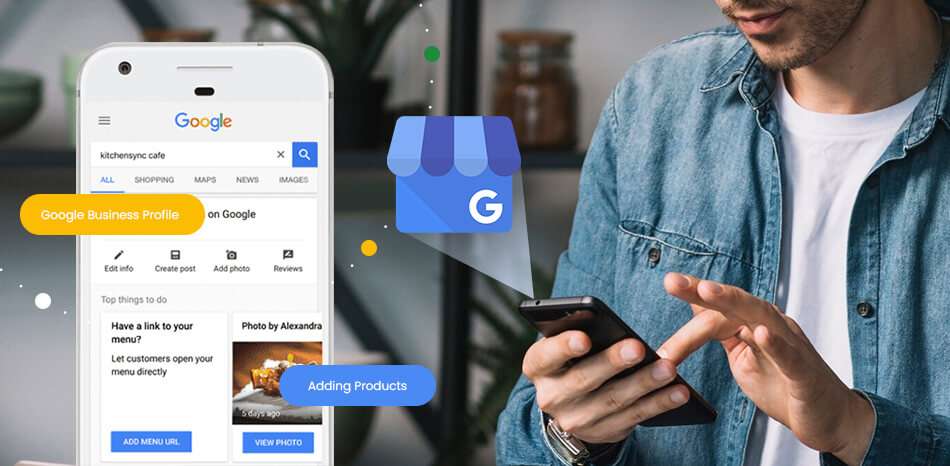
We’re past the point where simply having a Google Business Profile (GBP) puts you on the map. These days, it’s not just a digital name tag — it’s the foundation of your local search presence. But here’s the truth: most businesses are sleepwalking through it. They fill in the basics, maybe add a few photos from 2019, and then wonder why they’re invisible online.
This isn’t about tricks or quick hacks. It’s about real moves that Google loves — the stuff that moves the needle.
Let’s get into the seven key steps that’ll actually help your GBP rank higher, drive local traffic, and — most importantly — bring you real customers.
1. Choose the Right Business Category (Yes, It Matters More Than You Think)
Let’s start with the part everyone skips: your primary business category. This isn’t some vague label — it’s the backbone of your GBP.
Google uses this to decide what searches you show up for. So, if you’re a “Lawn Care Service,” but you’ve selected “Gardener” as your primary category? Yeah…you’re leaving money on the table.
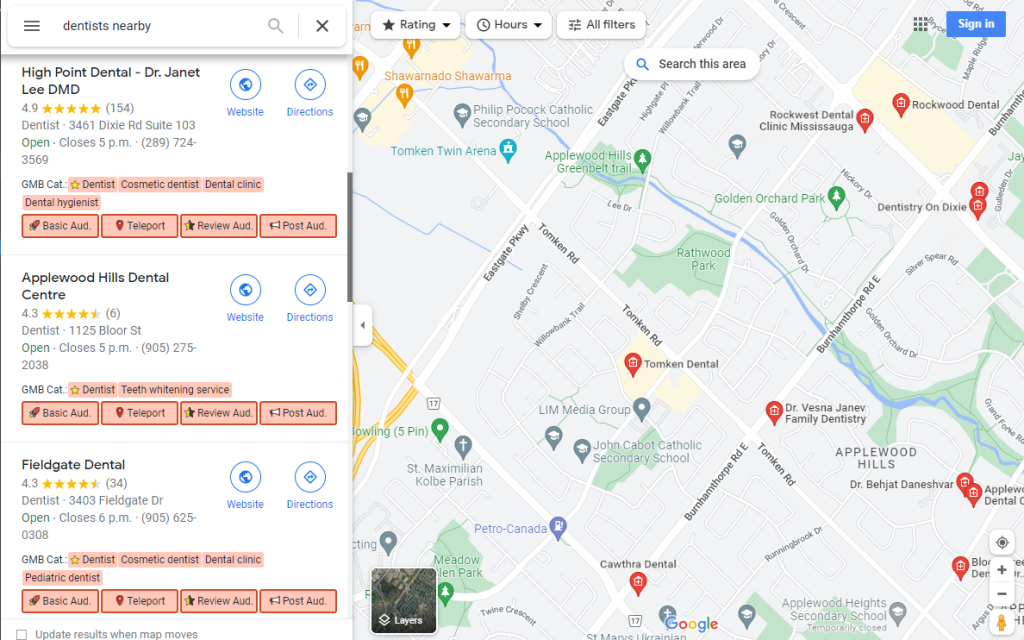
Pro tip: Use the “GMB Everywhere” Chrome extension. Check what categories your top-ranking competitors are using — especially the ones dominating results for your desired keywords.
Don’t guess. Steal like an artist — then do it better.
2. Optimize Your Business Name for Search (But Stay Legit)
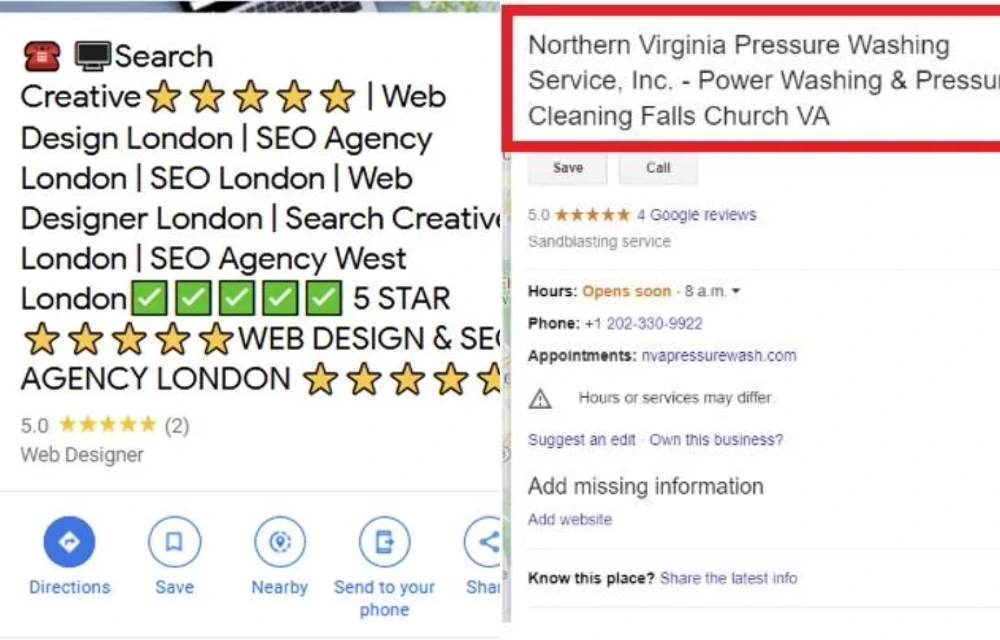
Yes, your business name can include keywords — but only if that’s your real name.
Think about the difference between:
- “Big Mike’s”
vs. - “Big Mike’s Denver Lawn Care”
One tells you where and what he does. The other? Not so much.
Remember: Google’s policy says your name must reflect your real-world business name. Don’t keyword-stuff just for rankings — it could backfire.
3. Location, Location…Location
Here’s the deal: Google heavily favors proximity in local searches. So, if someone searches for “lawn care in Denver” and you’re physically located in Boulder, you’re already at a disadvantage.
If you want to rank in a city — you need to be in that city.
Some business owners get around this with:
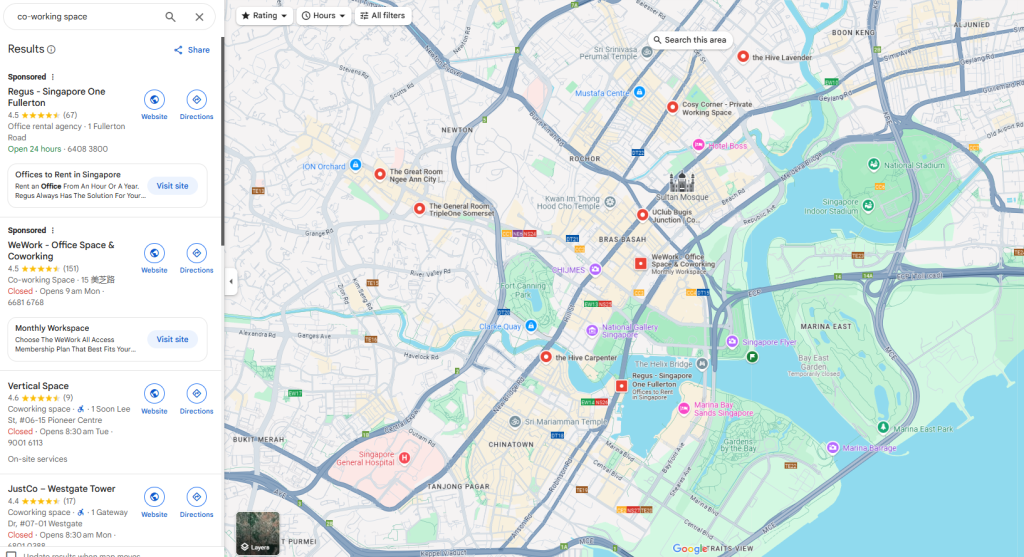
- Co-working spaces
- Virtual offices (must be staffed during business hours!)
Just make sure the location is real and verified, or it could get flagged.
4. Craft a Keyword-Rich, Human-Friendly Business Description
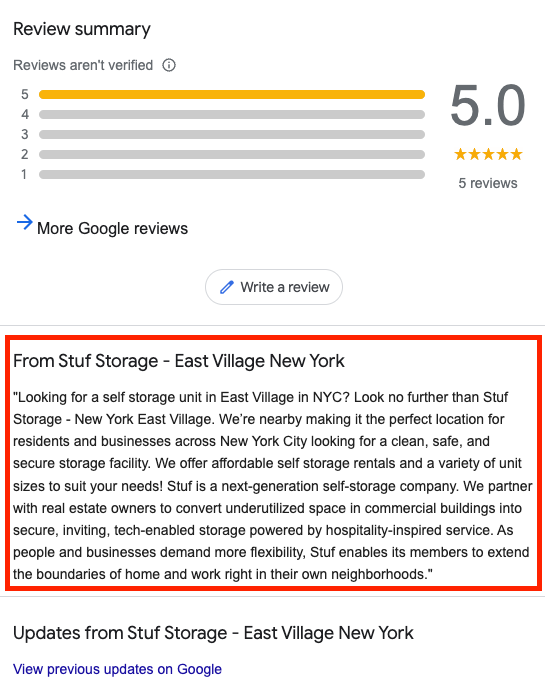
This isn’t just for Google — it’s for people, too. And people can smell a spammy, robotic description a mile away.
Use this section to:
- Tell your story: who you are, what you do, where you operate.
- Sprinkle in major cities/areas you serve.
- Mention the services you specialize in.
Don’t stuff it. Write it like you’re explaining your business to a friend — who happens to be Googling for your services.
“We provide lawn care services in Denver, Aurora, and Lakewood, with a focus on eco-friendly solutions and same-day scheduling.”
Boom. Clear. Searchable. Human.
5. Photos & Videos: Geo-Tagged and Gorgeous
This is so overlooked. Visuals make your profile feel alive. Google notices that. So do potential customers.
Here’s what to do:
- Add high-quality photos and videos regularly.
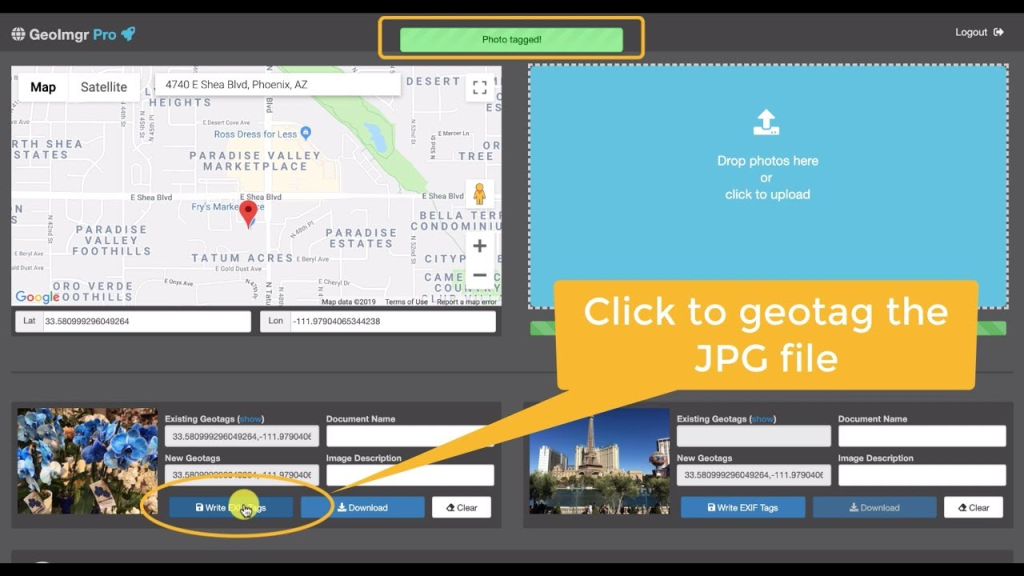
- Use geoimgr.com to geo-tag them to your service area.
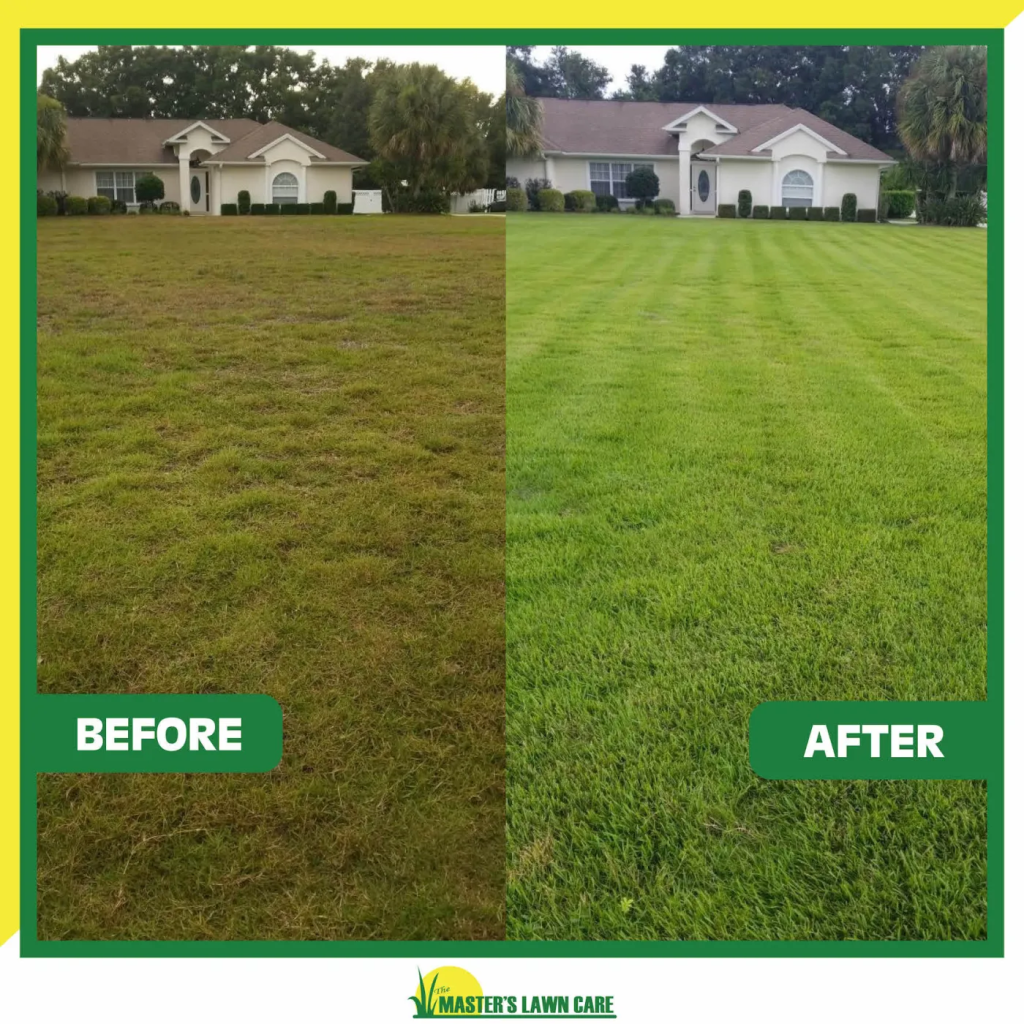
- Show off your team, your work, your happy clients.
A good photo tells a better story than 1,000 words. A geo-tagged one also helps you rank.
6. Reviews: Ask, Engage, Repeat
Let’s be honest. People trust reviews more than your website. That 4.9-star rating? It’s your silent salesperson.
- Ask happy customers for reviews — automate it if you can.
- Include the direct GBP review link in follow-up emails or texts.
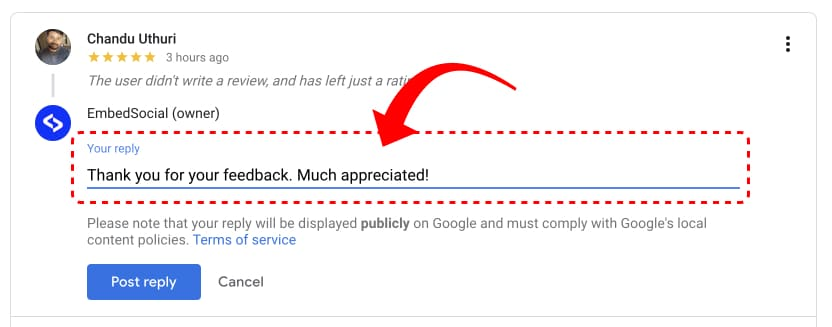
- Respond to every review, good or bad. It shows you care.
“Thanks so much for the kind words, Lisa. We loved working on your garden in Cherry Creek!”
Now Google knows you served someone in Cherry Creek, too.
7. Optimize the Landing Page You Link To
This part is often ignored — and it’s a huge missed opportunity.
When someone clicks on your GBP listing, where do they land? It better not be your homepage unless it’s laser-focused.
Instead, link to a service/location-specific landing page. Here’s how to optimize it:
- Use relevant keywords in the title, H1/H2 tags.
- Make sure your Name, Address, and Phone (NAP) is consistent.
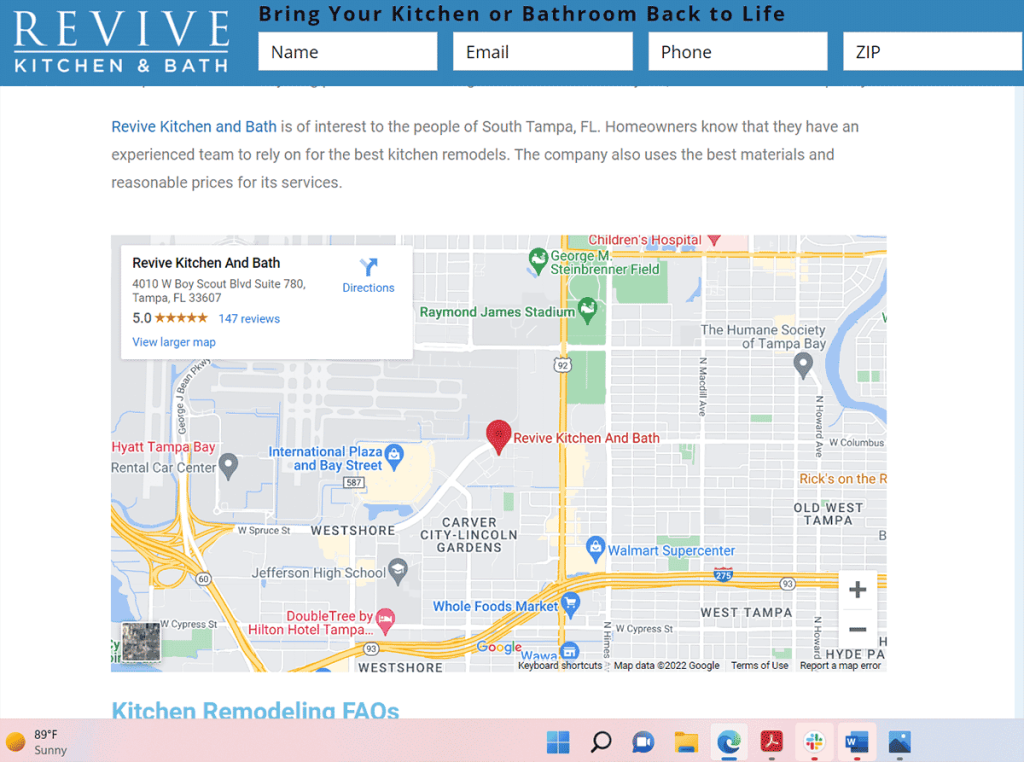
- Embed a Google Map of your location.
- Add local flavor — mention nearby landmarks, neighborhoods, events.
- Get local backlinks to the page.
- Link out to other local businesses. Google loves local networks.
This tells Google: “Hey, I’m not just a business. I’m part of this community.”
Final Thoughts: This Isn’t Magic. It’s Method.
Here’s the truth: you can’t fake local trust. Google wants to see that you’re really there — really serving your community, really open for business.
It’s not about gaming the system. It’s about doing the work: choosing the right categories, showing your face, earning those reviews, and being proud of your digital front door.
You’re not optimizing a profile.
You’re planting your digital flag in your city’s search results.
So yeah — update your GBP like it matters. Because it does.