Reputifly editorial · Reviewed 27 September 2026 · 2 min read
A practical implementation and QA checklist for screenshots, photographs and expandable media on phones.
Give the browser dimensions early
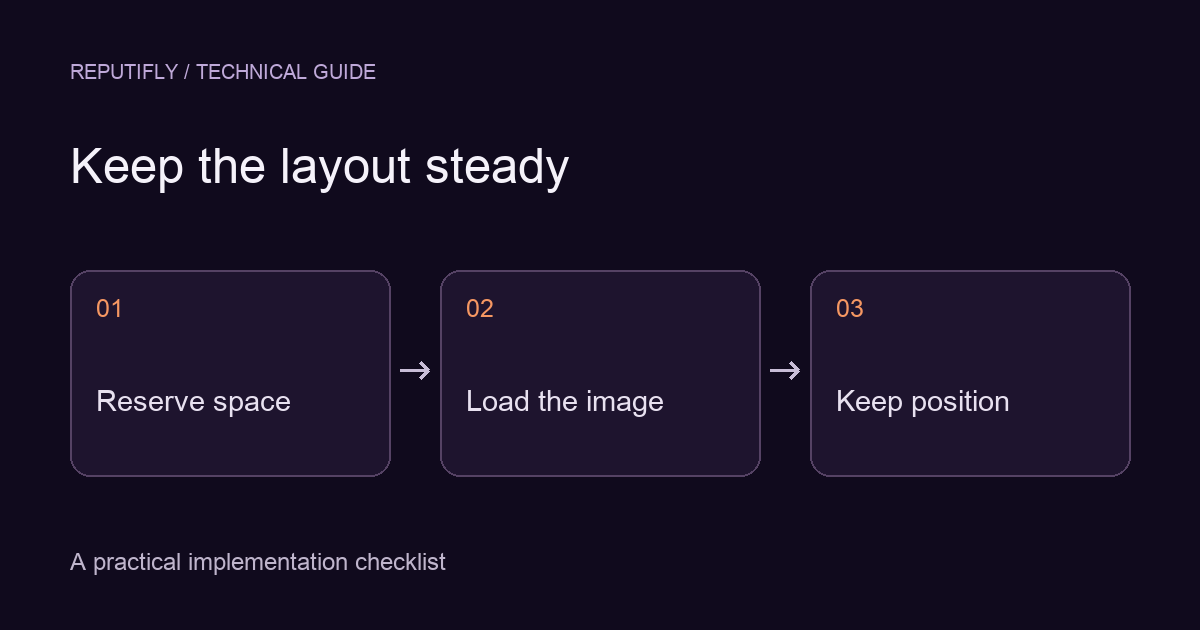
An image with no reserved space can push text and controls down when it arrives. Provide width and height attributes that describe the intrinsic aspect ratio, or use an appropriate aspect-ratio rule for a deliberate frame. Keep the displayed width responsive and the height proportional.
Choose the frame for the content
Product photography may suit a consistent cropped frame. A chart, interface screenshot or document usually needs its full content visible. Use contain when cropping would remove evidence, and offer expansion when the text would otherwise be too small. Do not claim a screenshot is fully shown while important edges are hidden.
Keep detailed images expandable
Use a real button with a clear accessible name to open the larger view. Provide a reachable close control, preserve the visitor’s scroll position and return keyboard focus to the opener. On mobile, ensure the enlarged view still works with browser controls and safe areas visible.
Load the right resolution
Use responsive sources so a small display does not download an unnecessarily large desktop image. Keep the main above-the-fold image available promptly; lazy loading is better suited to media farther down the page. Check the actual selected source instead of assuming the first URL in the markup was used.
See the web.dev layout-shift guidance for image-dimension implementation details.
Test the slow path
Test a fresh load with constrained network conditions and scroll through the full page. Watch for jumps when lazy images, fonts or expanding content appear. Decorative transforms should not repeatedly change the document’s layout. A stable screenshot can be the right mobile treatment even when desktop uses motion.
Record a useful acceptance check
Specify the viewport, browser and interaction: “At this mobile width, the caption and next control stay in place while the image loads; opening and closing the expanded image returns to the same card.” Verify it on a real target device as well as a desktop responsive preview.